
KeyMod
KeyCmd 0.19: App Rebranding, KM Pro Compose Mode, Multi-Language Support, and Per-Mode Guide Tours
- KeyCmd
- Product Updates
- Release
- Compose
- i18n
- Android
KeyCmd 0.19 (versionCode 19) is a major update that delivers the app rebrand from KeyMod to KeyCmd, the brand-new KM Pro Compose mode with Unicode-aware HID send, expanded multi-language UI (including Korean, Italian, Russian, and Brazilian Portuguese), per-mode interactive guide tours, and dozens of UX refinements across keyboard, gamepad, and presentation modes.
App Rebranding: KeyMod → KeyCmd
The app display name is now KeyCmd across all entry points. This rebrand clarifies the distinction between the KeyMod hardware and its companion KeyCmd app.
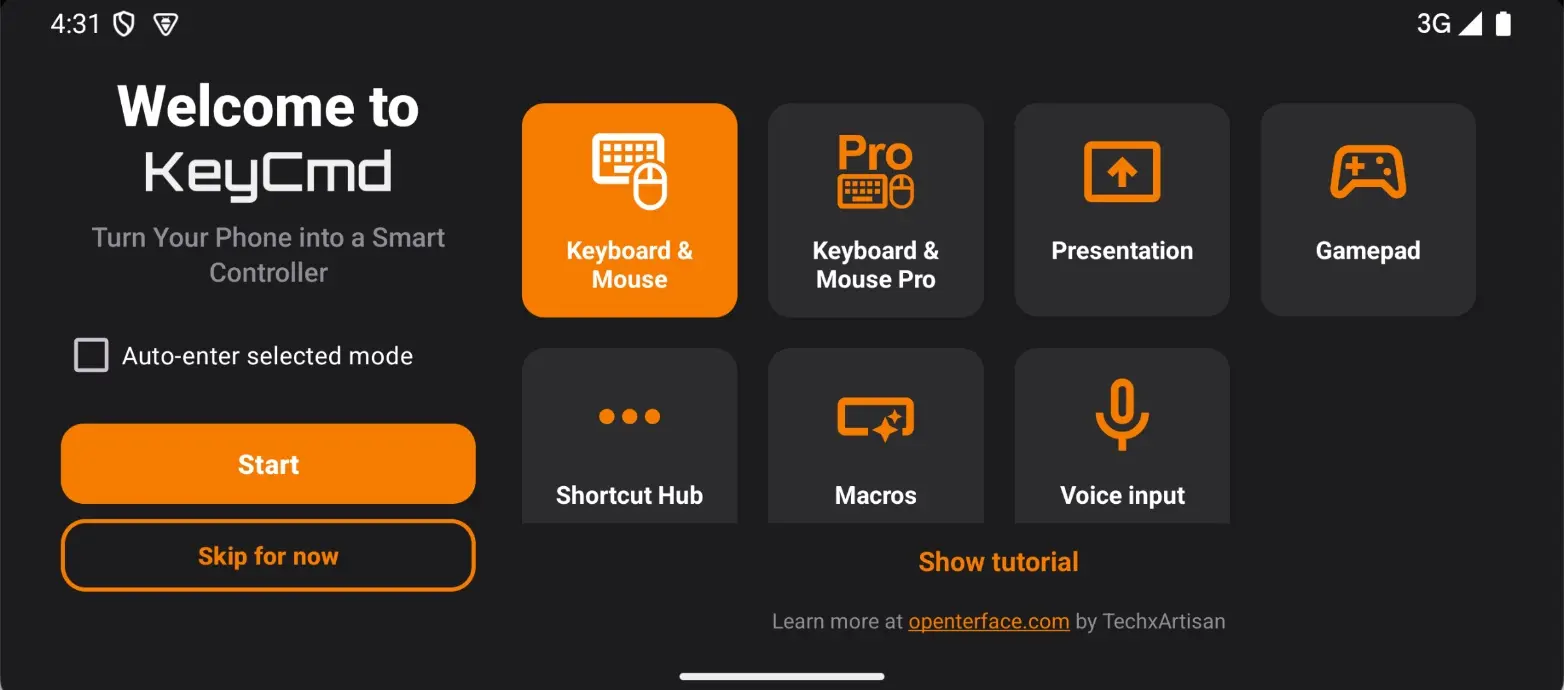
What changed
- App display name: Launcher icon and system UI now show “KeyCmd”
- Welcome flow: Updated wordmark and copy from KeyMod to KeyCmd
- CI artifacts and APK filenames: Use KeyCmd prefix
applicationIdremainscom.openterface.keymodfor seamless in-place upgrades
Existing users: your settings, profiles, and paired devices are preserved. The upgrade is seamless.
Keyboard & Mouse: Full-Screen Experience
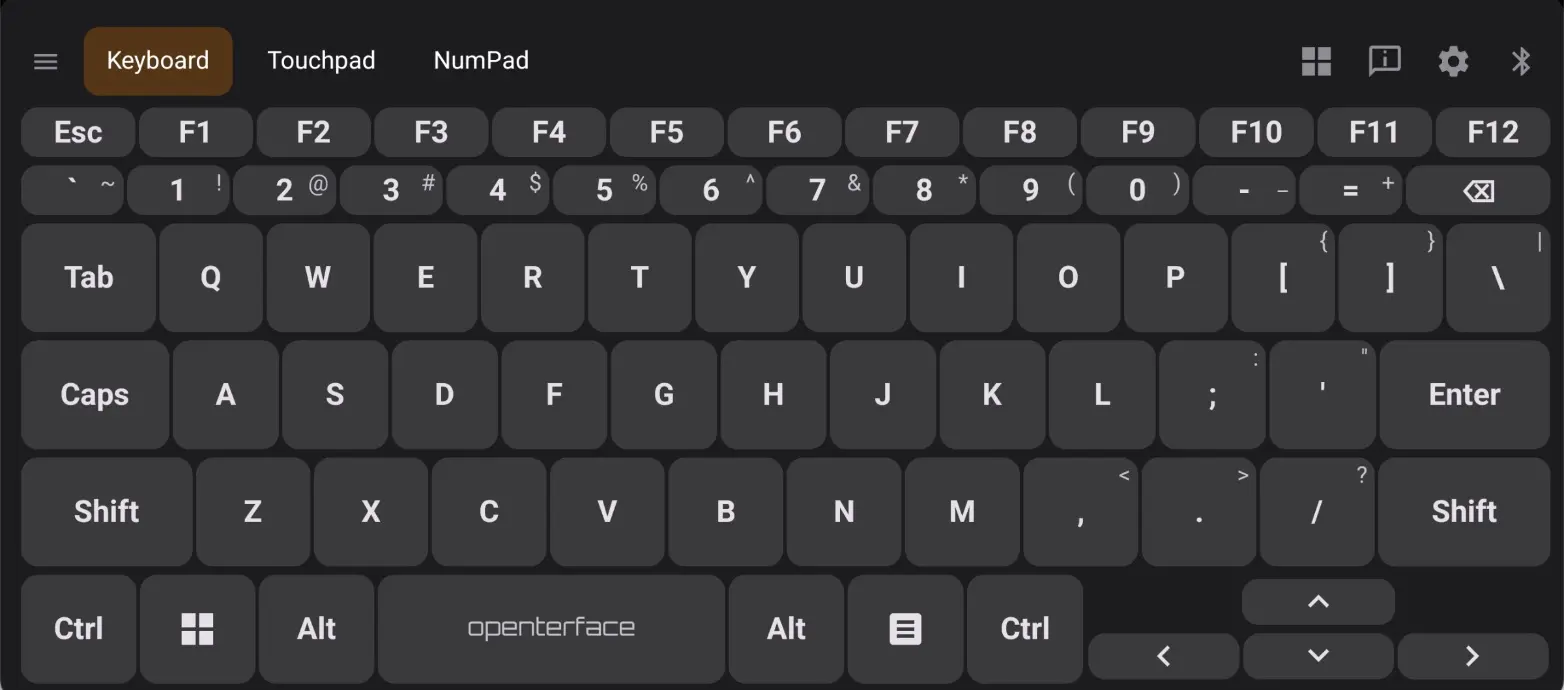
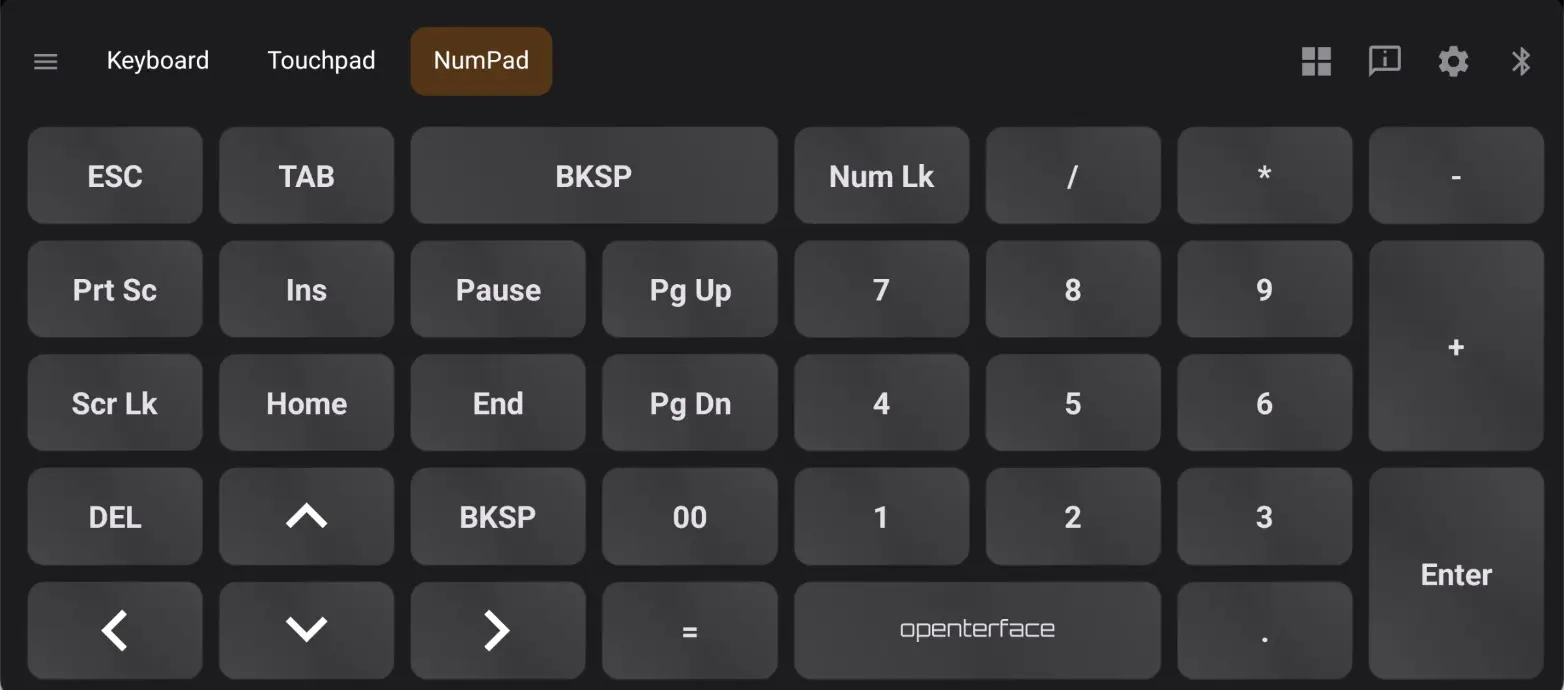
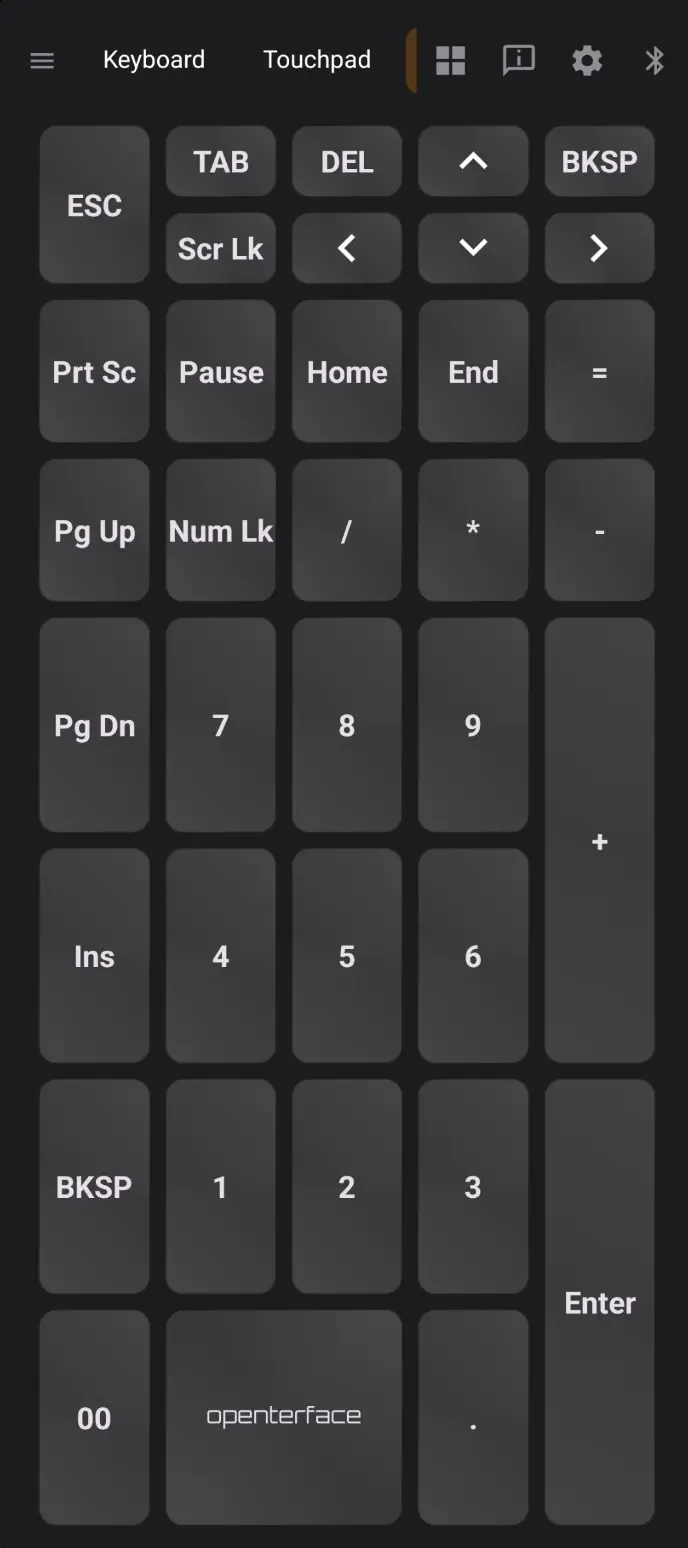
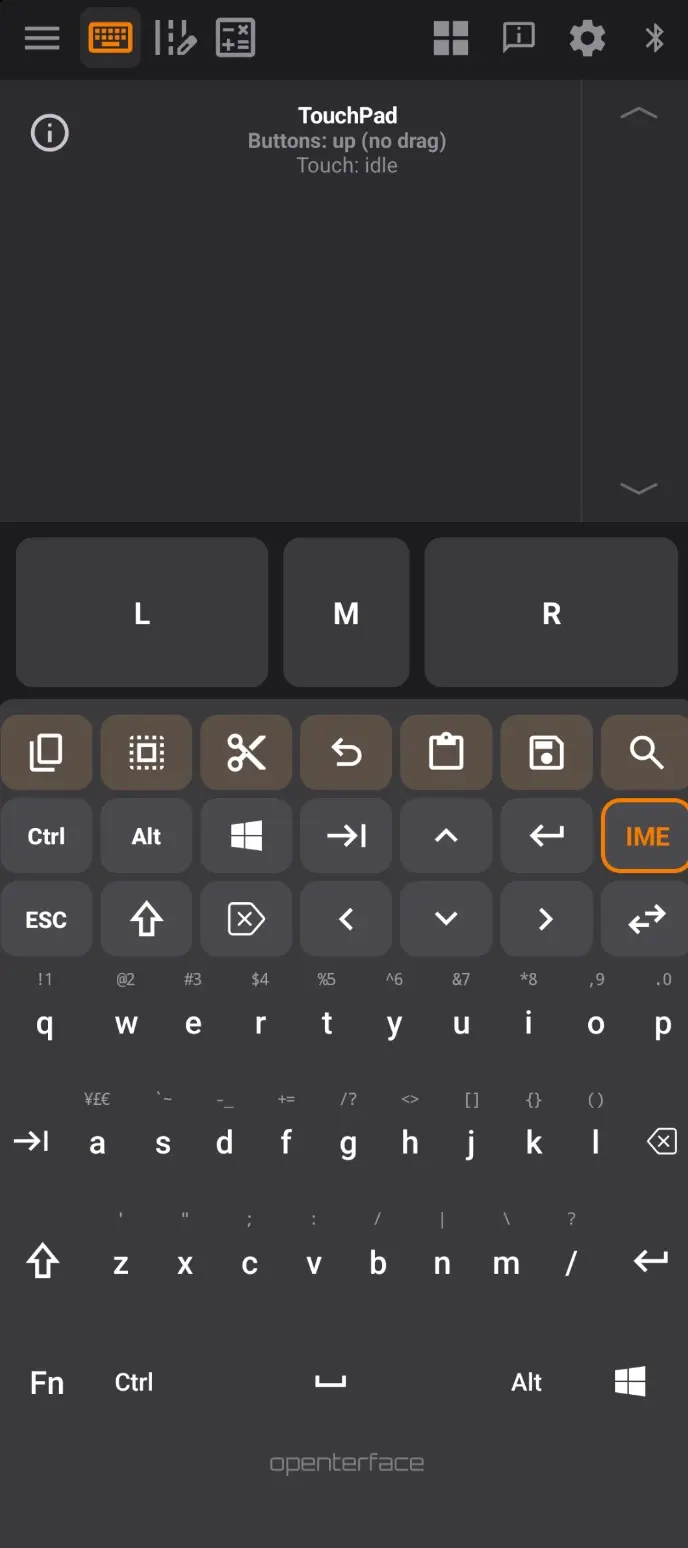
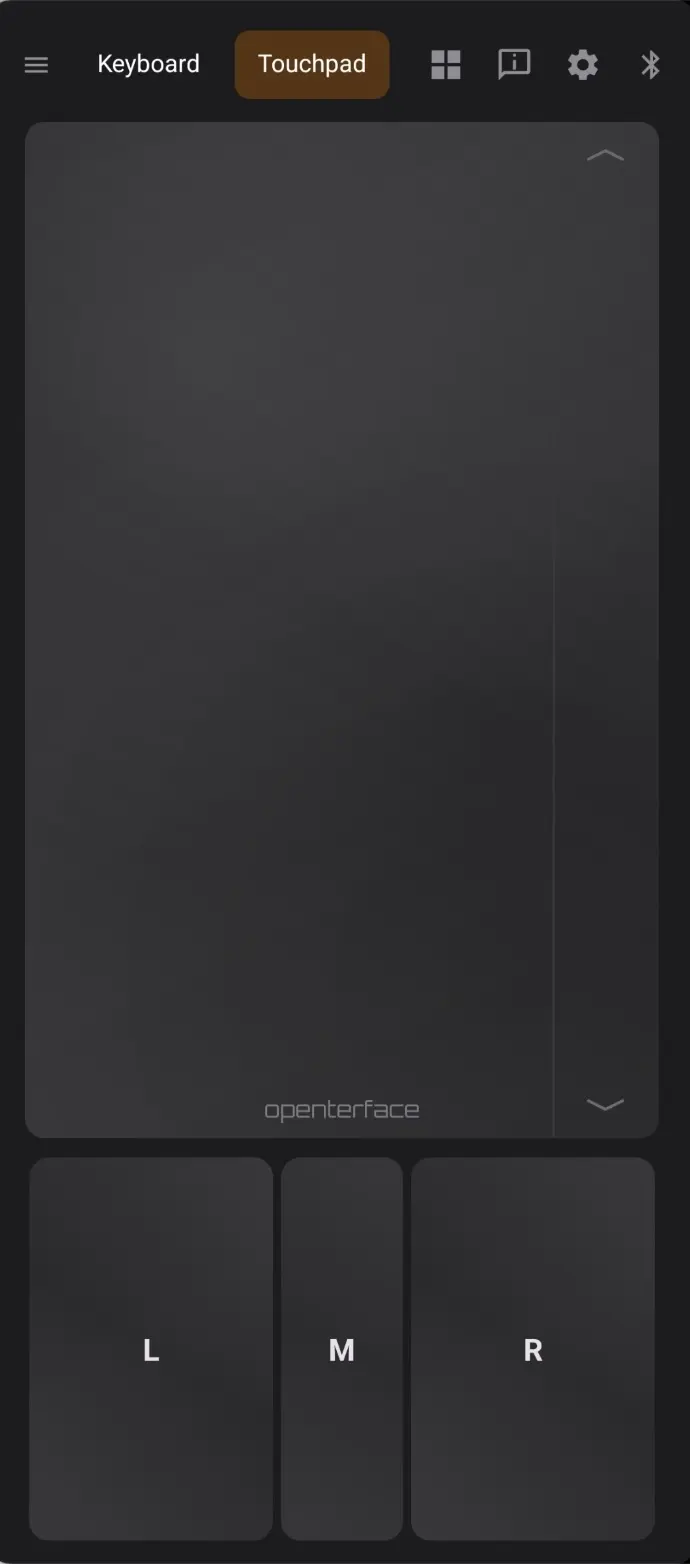
KeyCmd provides a full-screen keyboard, touchpad, and numpad experience — all optimized for both portrait and landscape orientations.
KM Pro: Compose & Send Mode
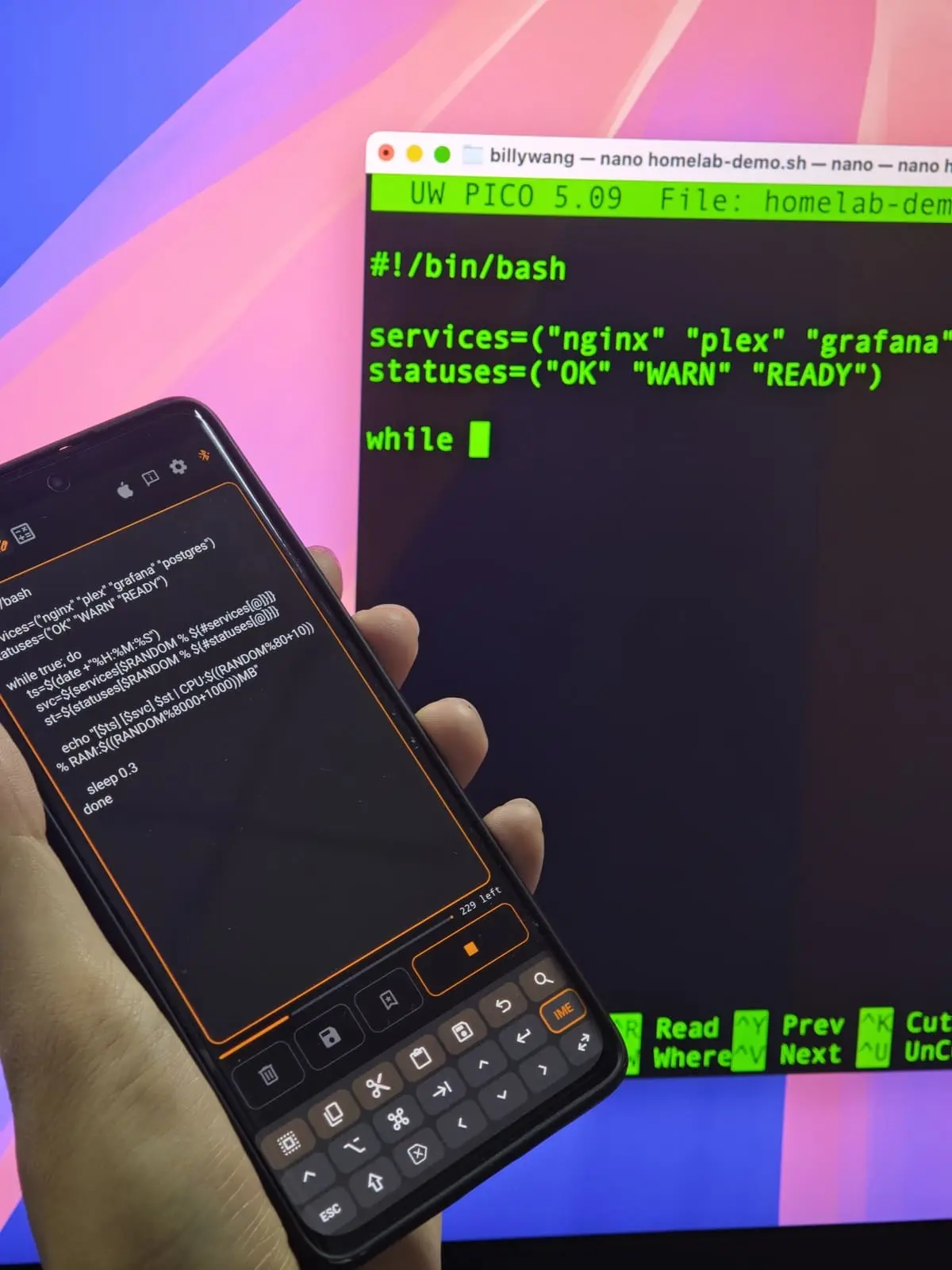
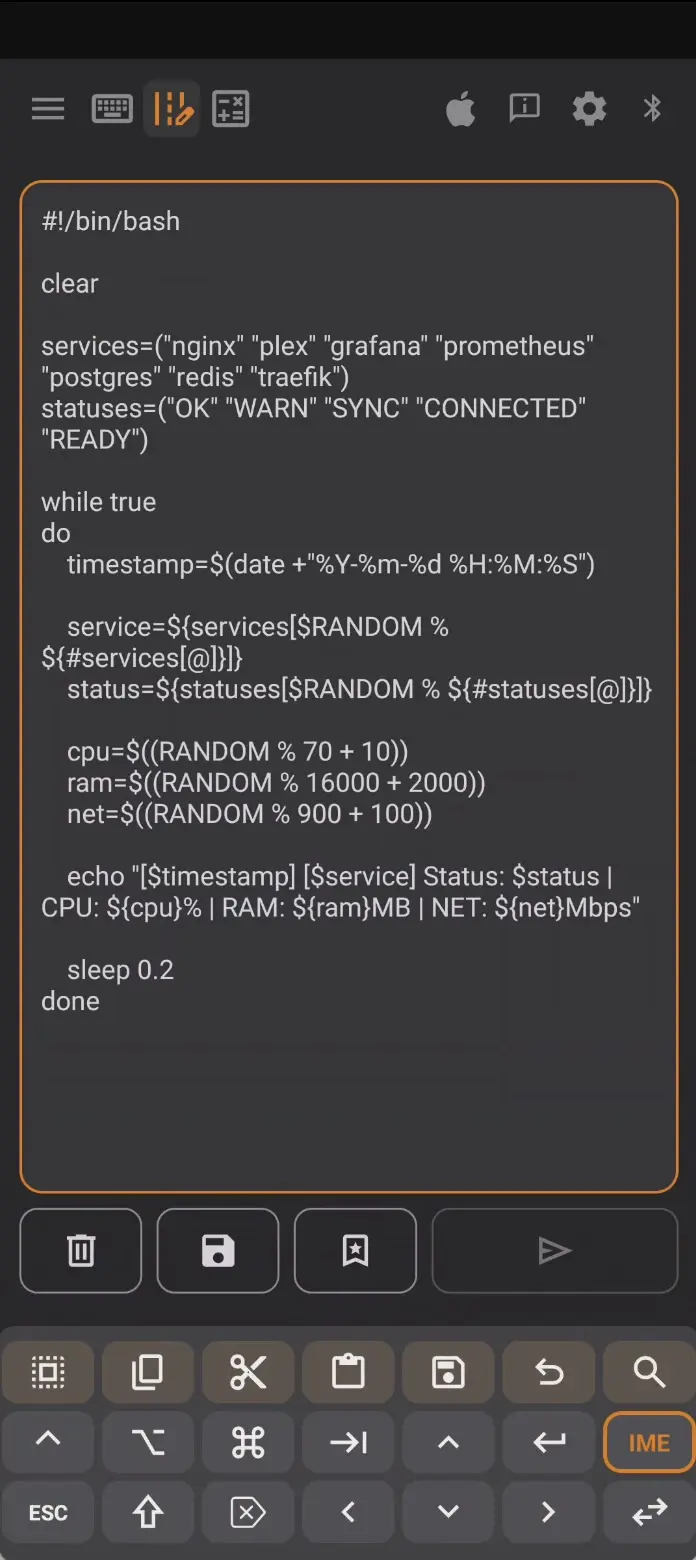
The biggest new feature in 0.19 is Compose mode in KM Pro — a dedicated text editor that lets you type long passages and send them as HID keystrokes to the target machine.
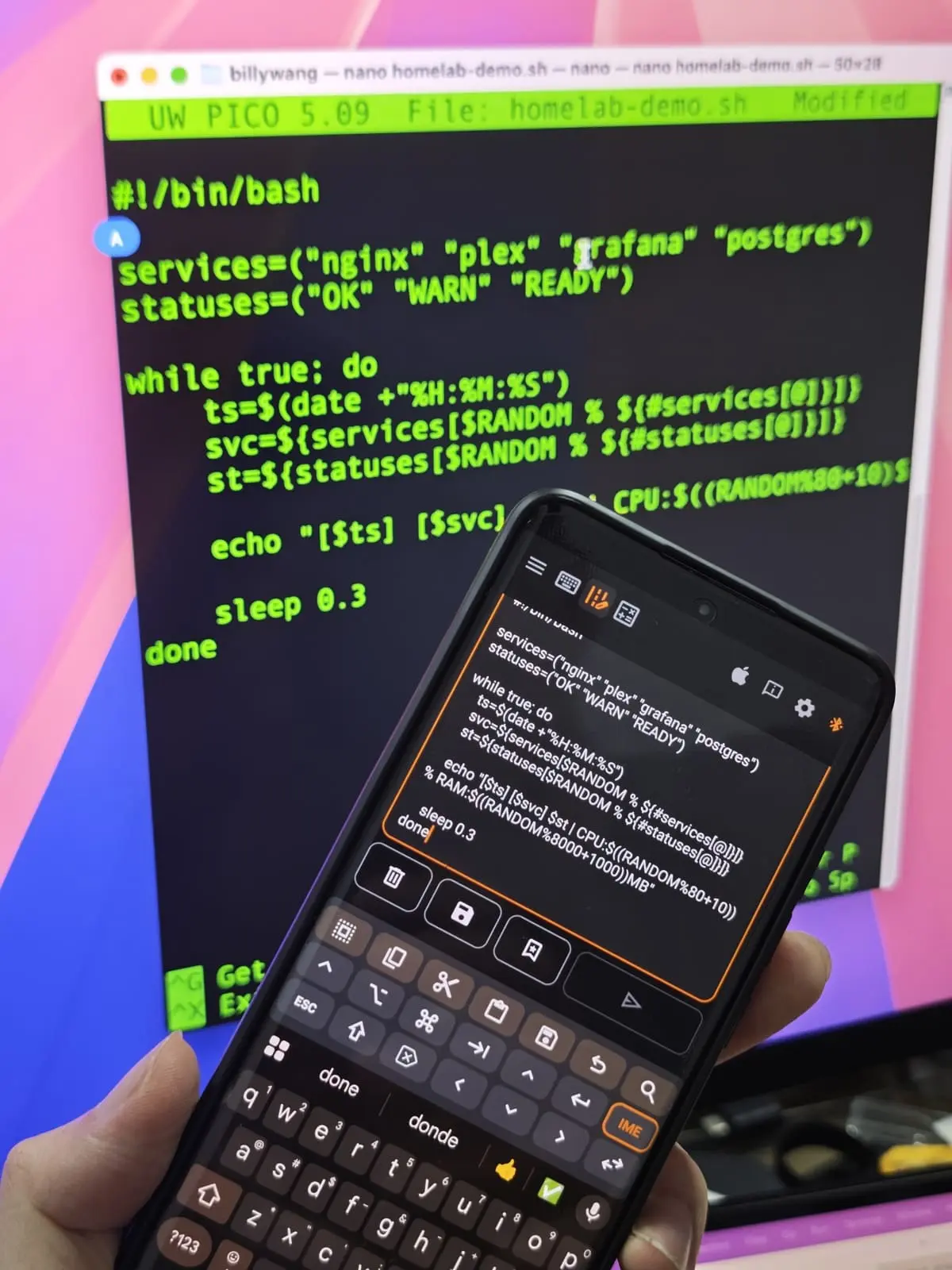
Compose & Send demo (YouTube Short)
Compose editor
- Top shortcut strip + compose action row with Clear and Undo/Clear controls
- Draft retention: your text is preserved across sub-mode switches and even after a successful send
- IME integration: type using your phone’s keyboard, send as clean HID keystrokes
- Determinate send progress: a visible progress bar for long HID buffers so you know exactly how far the send has progressed
Unicode-aware HID send
- Dual-mode risk review: before sending non-ASCII text, a dialog warns about Unicode compatibility and provides inspect/preview actions
- macOS Unicode hex flow: on macOS hosts, the app uses the Option+hex code input method for extended characters
- Safer send dialogs: the Review screen adapts its content based on whether the buffer is pure ASCII or contains Unicode characters
- Character inspection tools: the send-risk dialog provides Check and Preview actions, and macOS hosts include a dedicated Unicode hex path audit entry
KM Basic scope
In 0.19, Compose & Send remains a Keyboard & Mouse Pro feature. KM Basic focuses on full-screen keyboard, touchpad, and numpad workflows.
Multi-Language Support
KeyCmd now supports 11 app UI languages. This release adds four new localizations:
- Korean (ko): full UI translation
- Italian (it): full UI translation
- Russian (ru): full UI translation
- Brazilian Portuguese (pt-BR): full UI translation
Combined with existing English, Simplified Chinese, Traditional Chinese, Japanese, French, German, and Spanish, KeyCmd now covers the vast majority of our global user base.
What changed
- Language picker in Settings with canonical app language names
- Bluetooth headers and key tap preview localized
- Release lint fixes for compose warning tabs across all languages
Interactive Guide Tours
Every mode now has a built-in interactive guide tour that walks you through its features step by step.
Available tours
- Shortcut Hub tour: opens the Default profile and covers detail UI, category tabs, and shortcut management
- Gamepad tour: explains the gamepad layout, module management, and preset system
- KM Pro tour: covers the Compose mode, shortcut panel, and Pro-specific features
- KM Basic tour: explains the full-screen keyboard, modifier hold-swipe, and numpad
Tour features
- Per-mode guides: each mode has its own tailored tour
- Replay sheet: revisit any tour anytime via the Mode Guide button (icon left of connection chrome)
- i18n support: tour content is localized across the full app language set
- Landscape-optimized: bottom sheet layouts adapt correctly in landscape orientation
UX Refinements
Keyboard
- Key tap preview: see exactly what will be sent before you tap. Enable via Settings. Enabled by default.
- Rapid-tap HID fix: improved keyboard tap release timing and coalesced release events for faster typing
- Alternates touch handling: long-press on key
anow shows alternates for ¥ (up), £ (left), € (right) with improved visual feedback - Modifier hold-swipe: in KM Basic/Pro tours, a new step teaches the hold-swipe gesture for quick modifier access
Gamepad
- Edit session bar removed: cleaner gamepad chrome without the old edit session toolbar
- Gamepad chrome and tour: new visual polish and integrated guide tour
- Mode guide icon: placed left of connection chrome for easy access
Presentation
- Portrait pair lock: Presentation mode is constrained to portrait and reverse-portrait orientations for stable presenter controls
UI & Theme
- Accent swatches: replaced the theme color family spinner with visual accent swatches for easier color selection
- UI accent alignment: all UI accents now follow the theme color family (not the legacy primary color)
- Header right cluster: improved dimens for connection icons in both main app and KM Basic chrome
- Compose send button styling: aligned non-ASCII send button appearance in light mode
Settings
- Settings reorganization: canonical app language names; renamed emulator install scripts for clarity
- Dev helper scripts: renamed for clearer device identification and action naming
- FAQ docs: updated
docs/FAQ.mdwith current app behavior
Real-World Use Cases
Remote Coding
KeyCmd isn’t just for server management. Developers use it for remote coding sessions — controlling a headless dev box from a phone or tablet, complete with full keyboard, touchpad, and numpad support.
What is unchanged
Keyboard & Mouse Pro (composite mode with Shortcut Hub strips, split layouts, and rich IME behavior) remains the full-featured experience it was before. All existing profiles, presets, and paired devices are preserved.
Get the update
This version (0.19): KeyCmd-release-0.19.apk
Beta notice: The KeyCmd Android app is still in active beta. The source repo is not yet public — we plan to open-source it after a successful crowdfunding campaign. If you are a beta tester and need the latest APK, reach out to us on Discord and we will get you the build.
Existing installs upgrade in place.
Works with Mini-KVM and KVM-Go
The KeyCmd app is not limited to KeyMod hardware. Existing Openterface users can also try it out:
- KVM-Go: connect via Bluetooth or USB
- Mini-KVM: connect via USB
Upgrade notes
- Rebrand: the app name changes from KeyMod to KeyCmd. Your data is preserved.
- Compose mode: new to Keyboard & Mouse Pro.
- Guide tours: tap the guide icon (left of the connection chrome) in any mode to start the interactive tour.
- Languages: go to Settings to change the app language. KeyCmd now supports 11 app UI languages.
Best regards,
Openterface Team | TechxArtisan